Home › Letterhead templates
Free Letterhead Templates
27 free letterhead templates with editable Word headers. Replace the placeholder name and details with your own. Pick a file by type below, check what's editable, and download. To see each design full size with notes on why it works, browse the letterhead examples.
- Word .docx
- No sign-up
Download a Word letterhead template
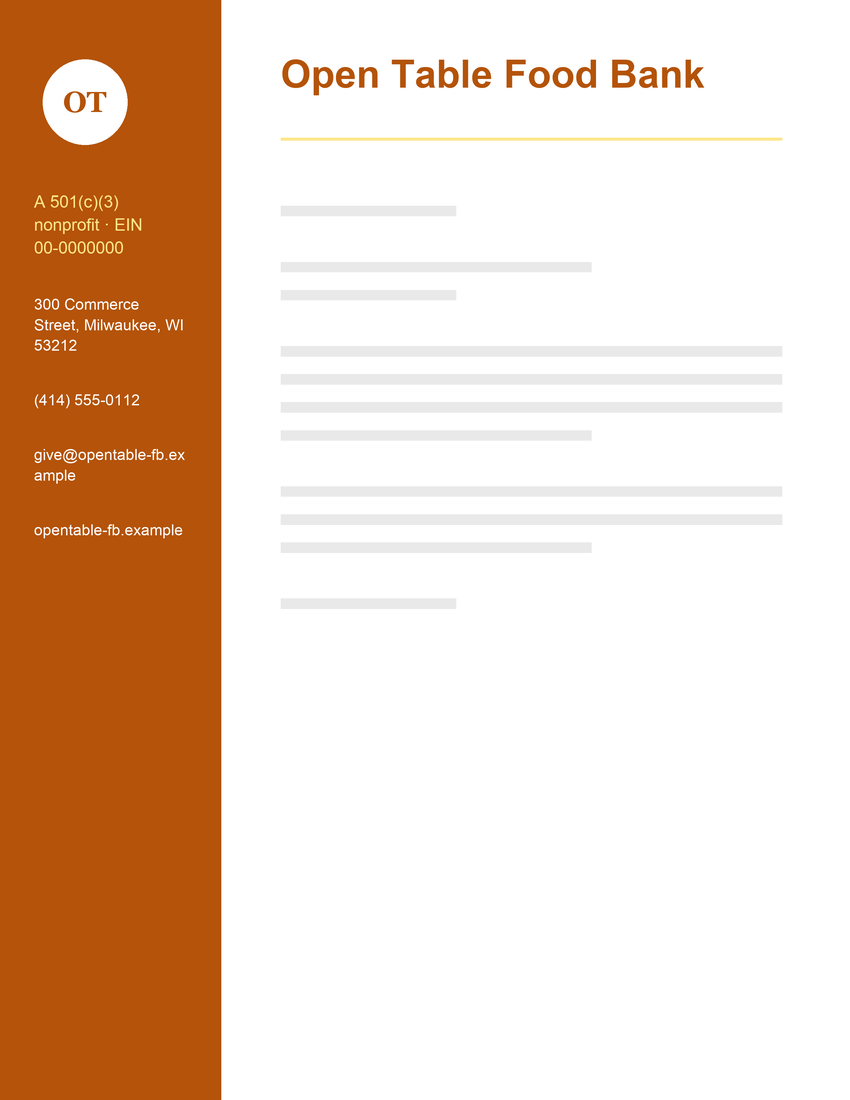
These .docx files recreate each design's header and colors in a simplified form that's easy to edit. Sidebar and full-bleed designs become clean header versions, because Word headers can't reliably print to the edge of the page.
Business letterhead templates
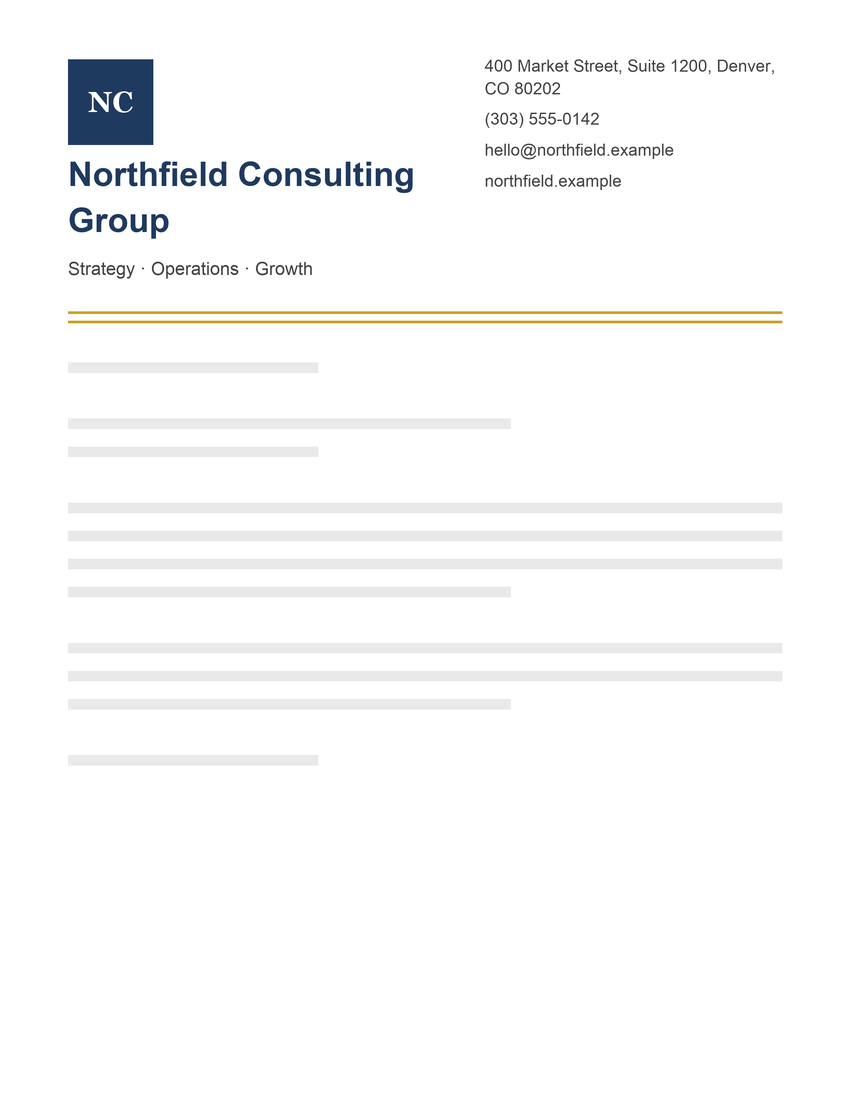
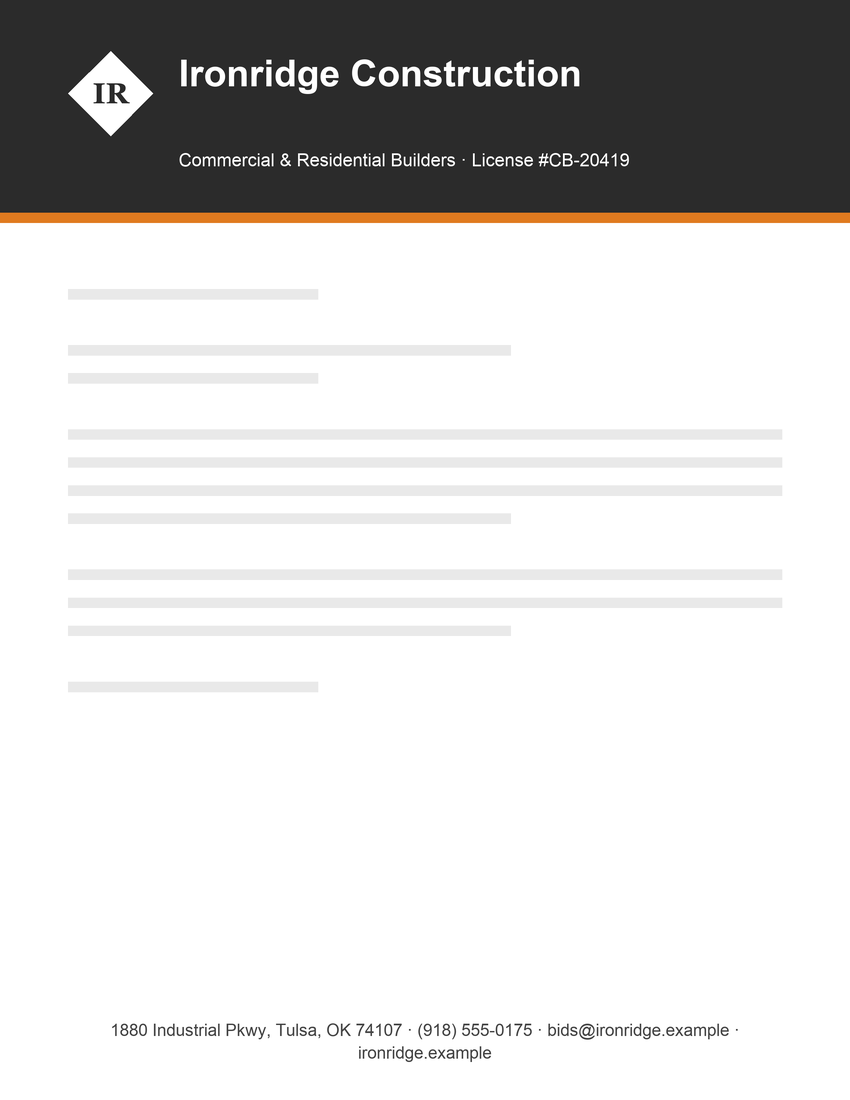
Construction Company Letterhead Template
Header: name and tagline · Footer: contact details
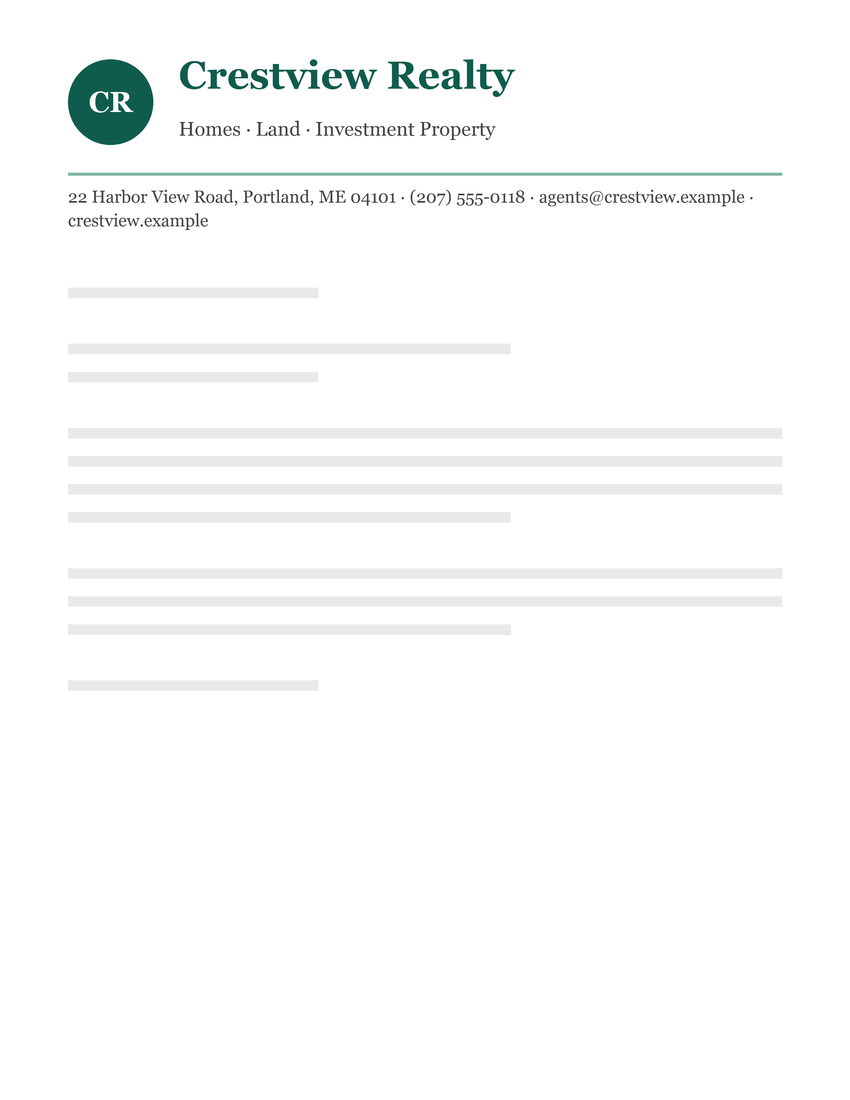
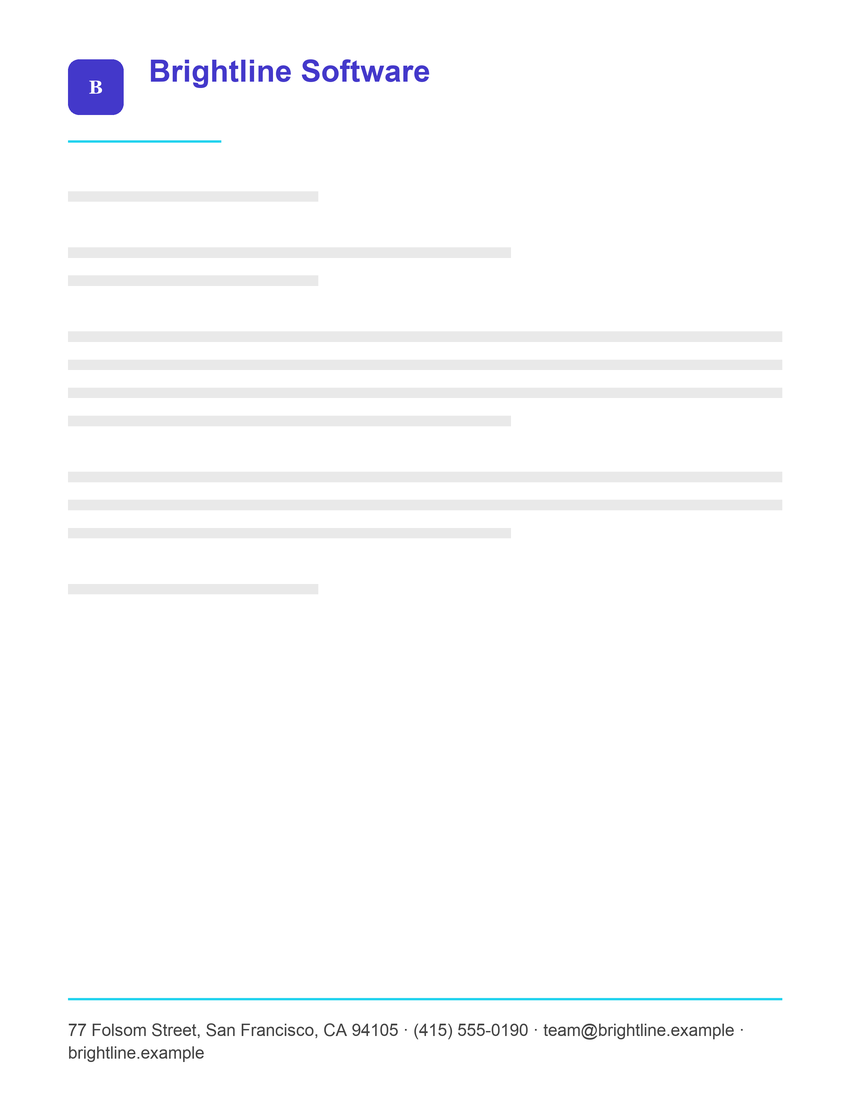
Minimalist Tech Company Letterhead Template
Header: name and tagline · Footer: contact details
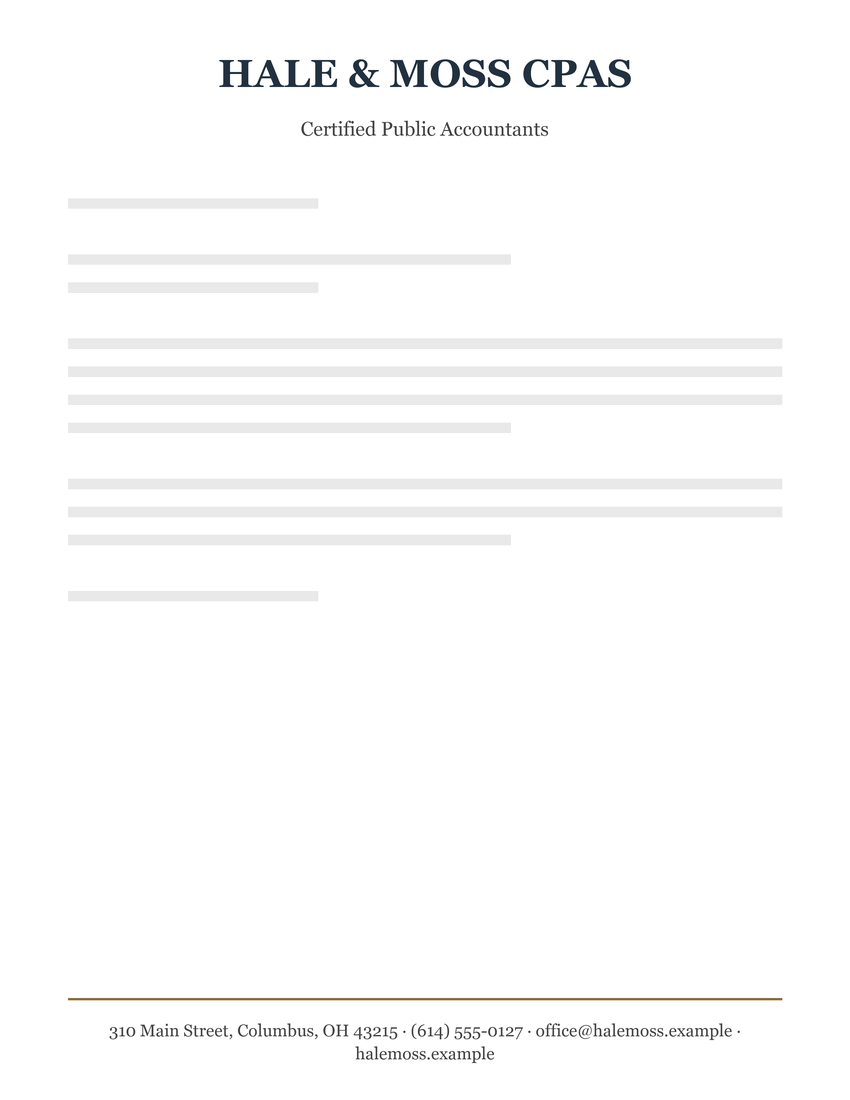
Accounting Firm Letterhead Template
Header: name and tagline · Footer: contact details
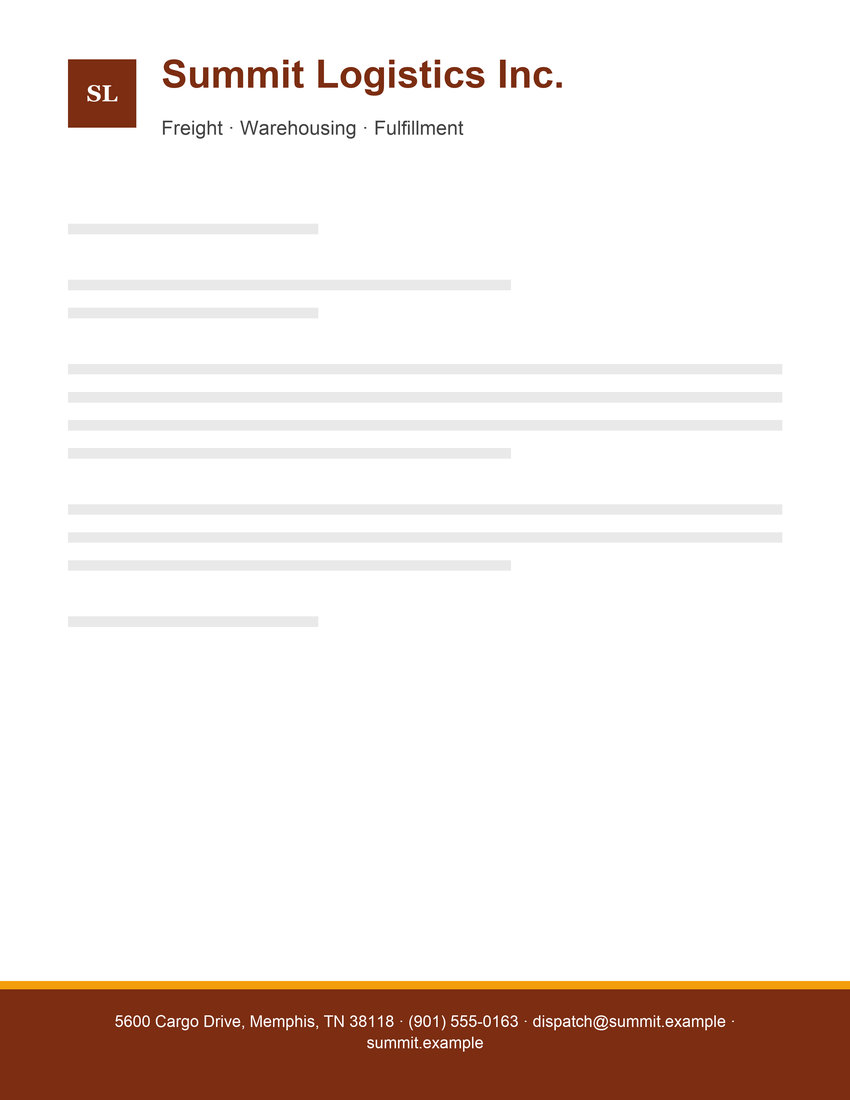
Logistics Company Letterhead Template
Header: name and tagline · Footer: contact details
Law firm letterhead templates
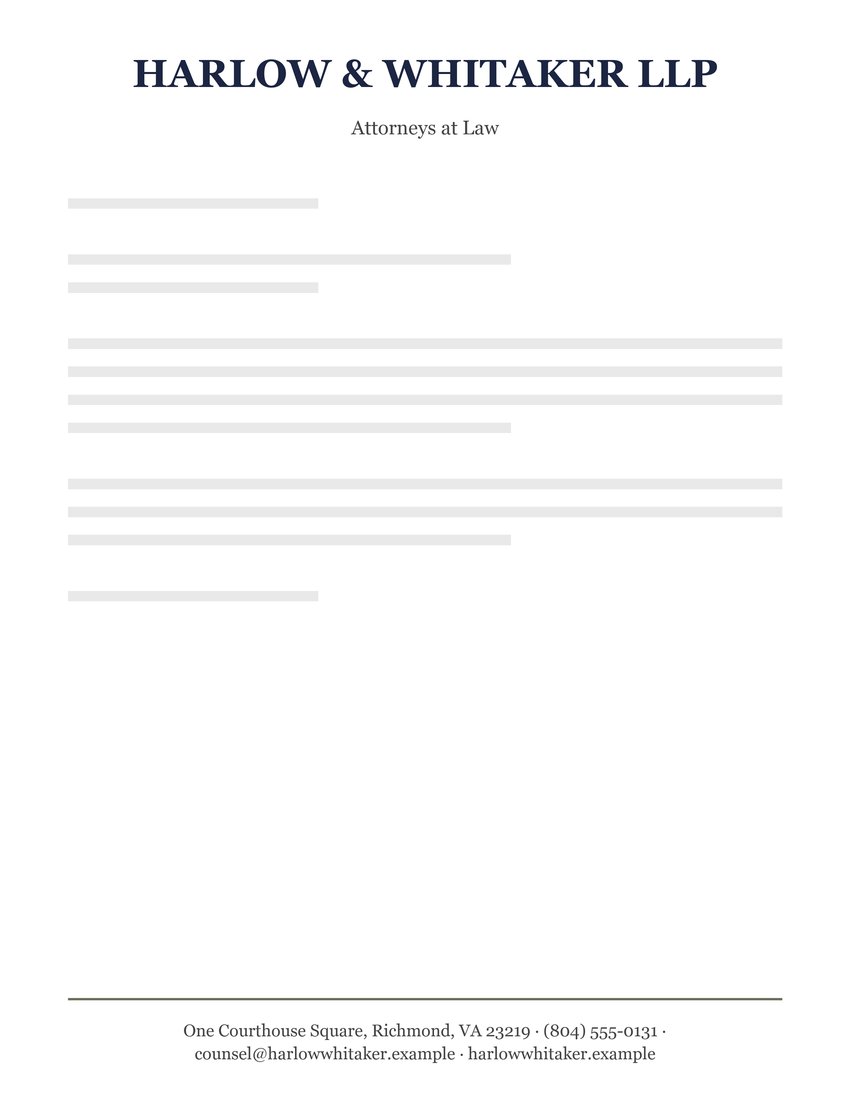
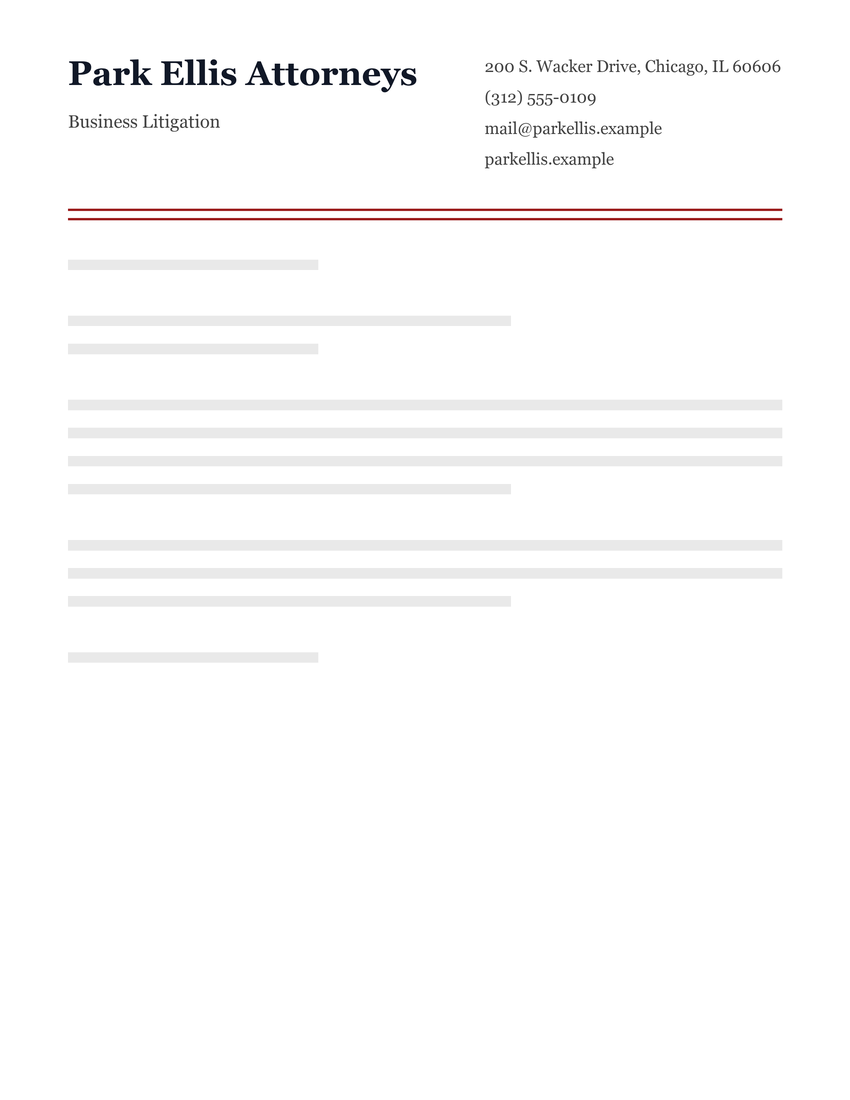
Professional Law Firm Letterhead Template
Header: name and tagline · Footer: contact details
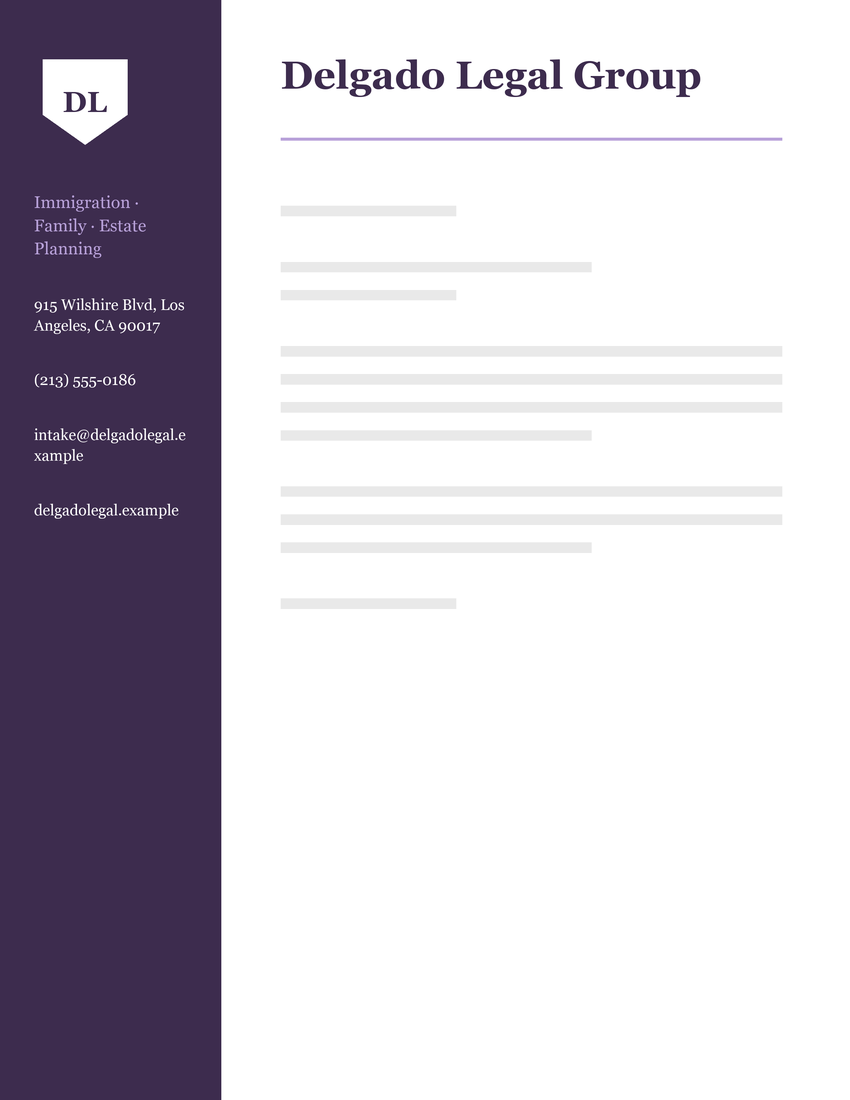
Attorney Letterhead with Sidebar Template
Header: name, tagline and contact details
Medical letterhead templates
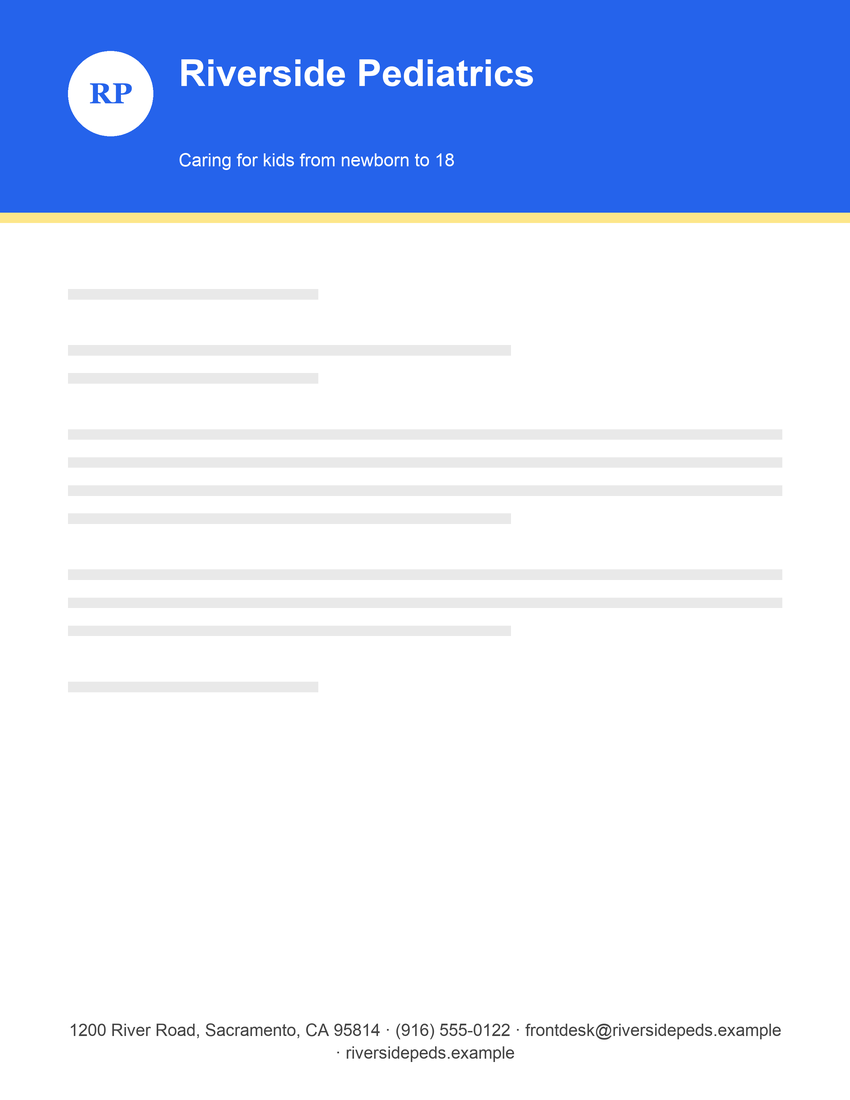
Pediatric Clinic Letterhead Template
Header: name and tagline · Footer: contact details
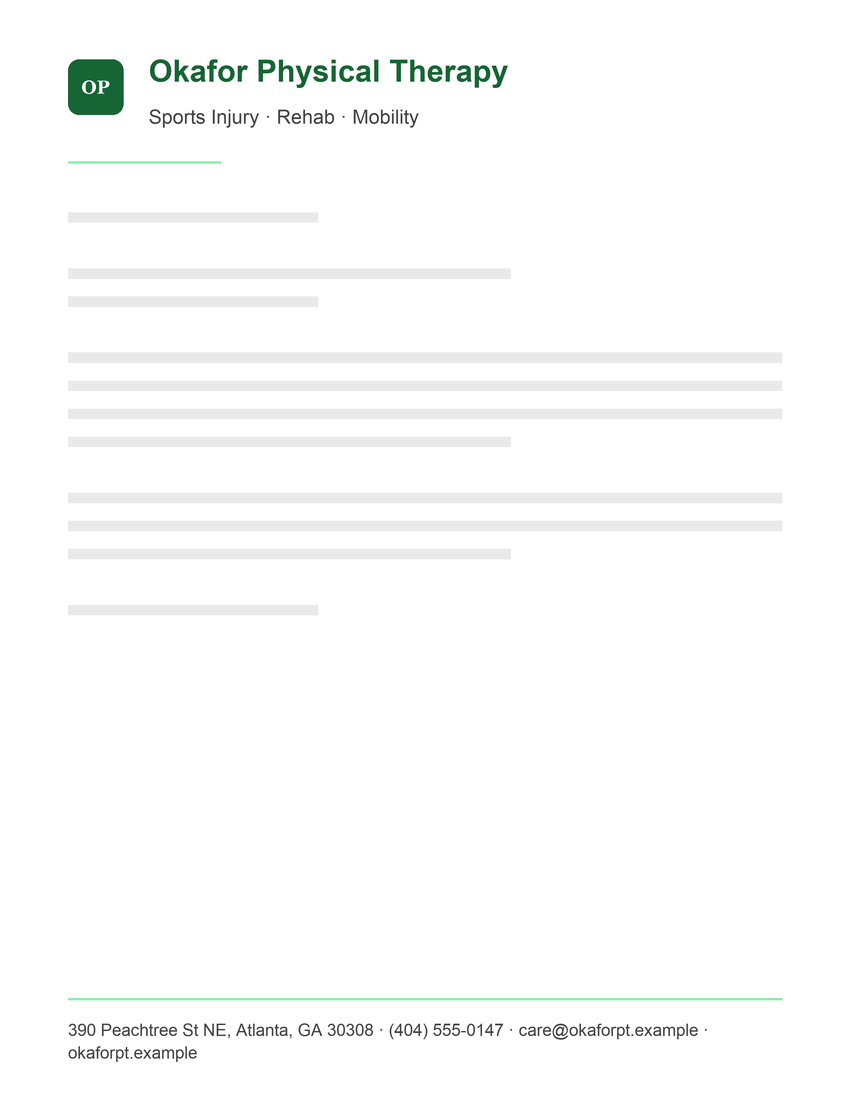
Physical Therapy Letterhead Template
Header: name and tagline · Footer: contact details
Church letterhead templates
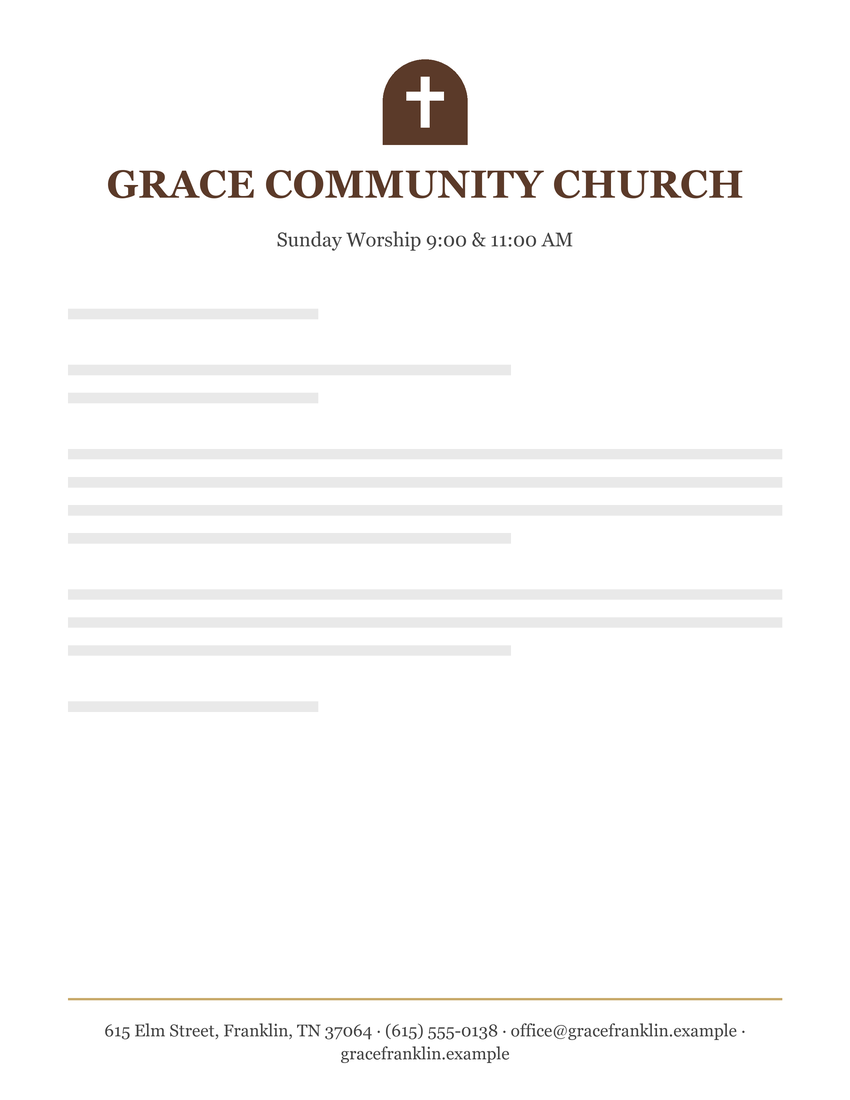
Traditional Church Letterhead Template
Header: name and tagline · Footer: contact details
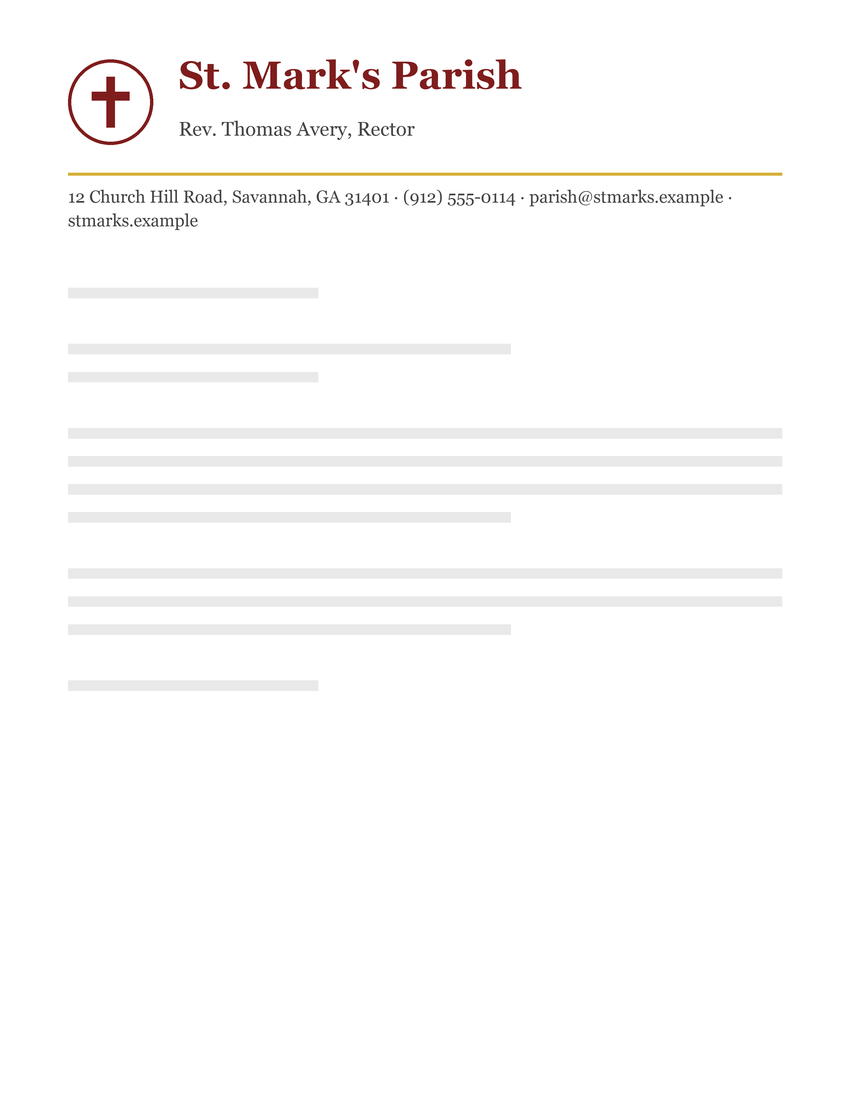
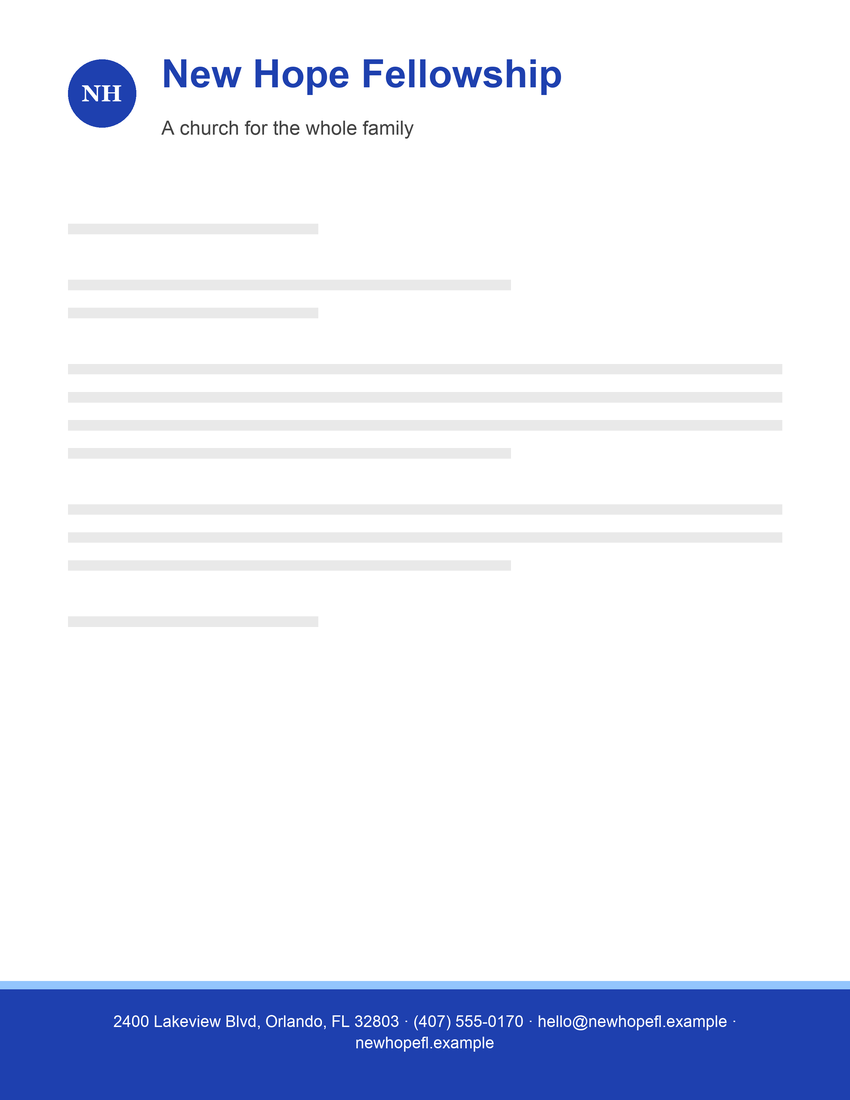
Modern Church Letterhead Template
Header: name and tagline · Footer: contact details
School letterhead templates
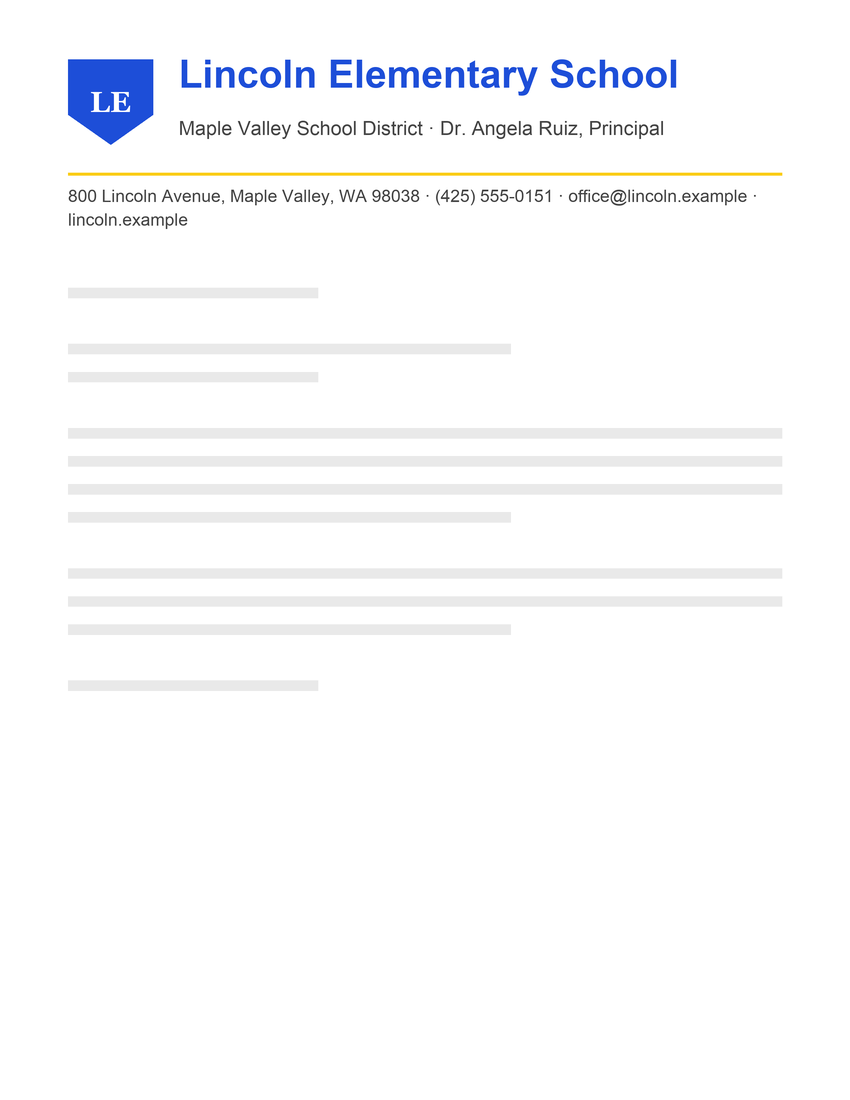
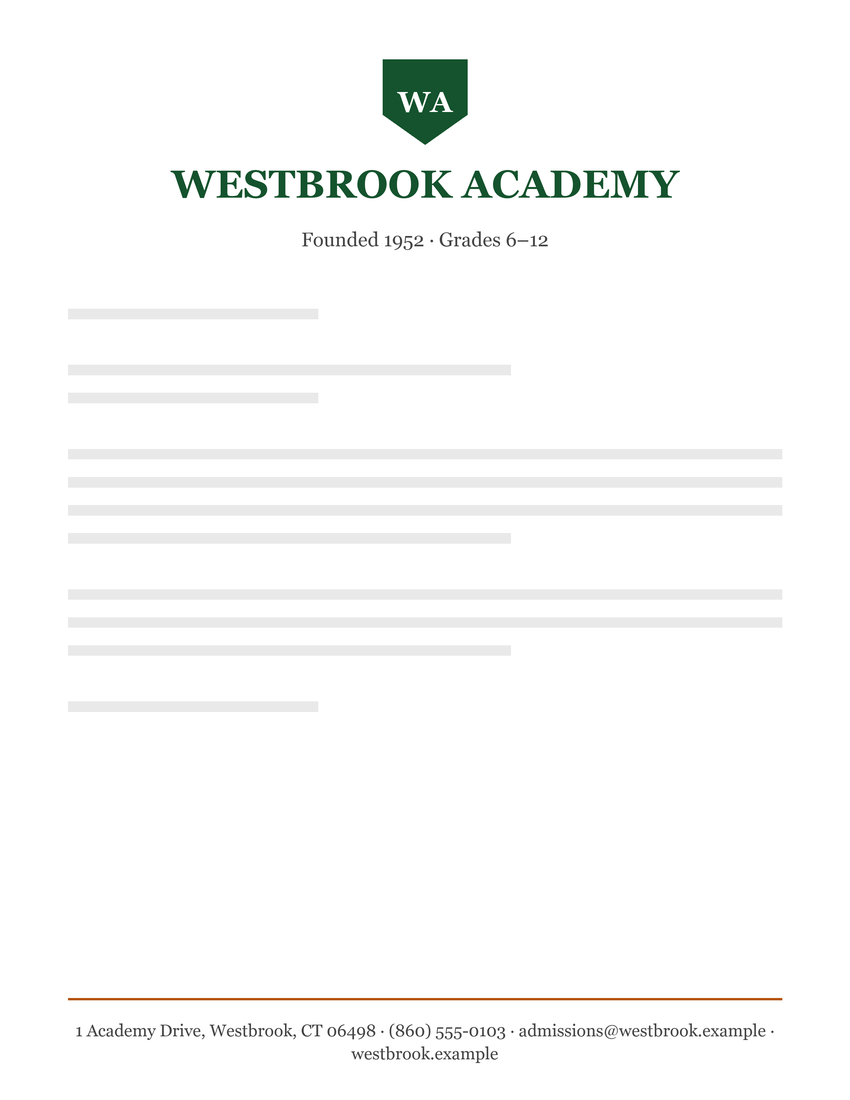
Private School Letterhead Template
Header: name and tagline · Footer: contact details
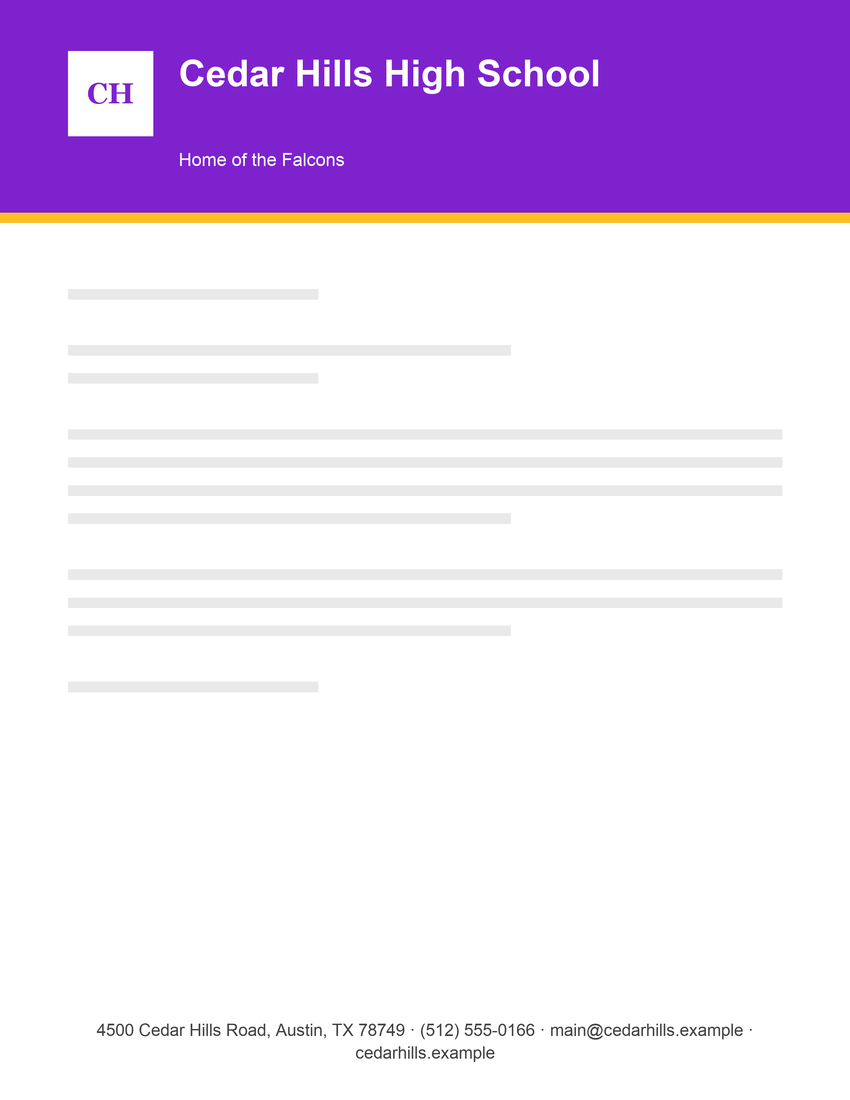
High School Letterhead Template
Header: name and tagline · Footer: contact details
Personal letterhead templates
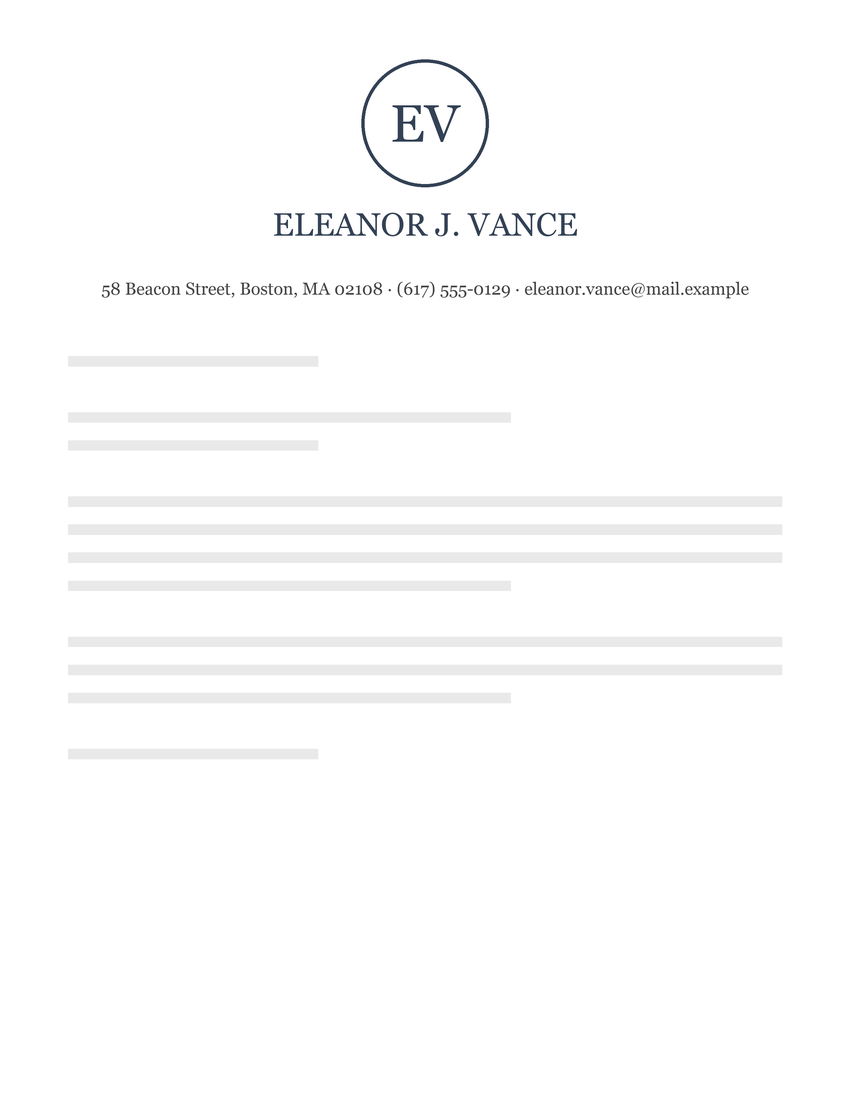
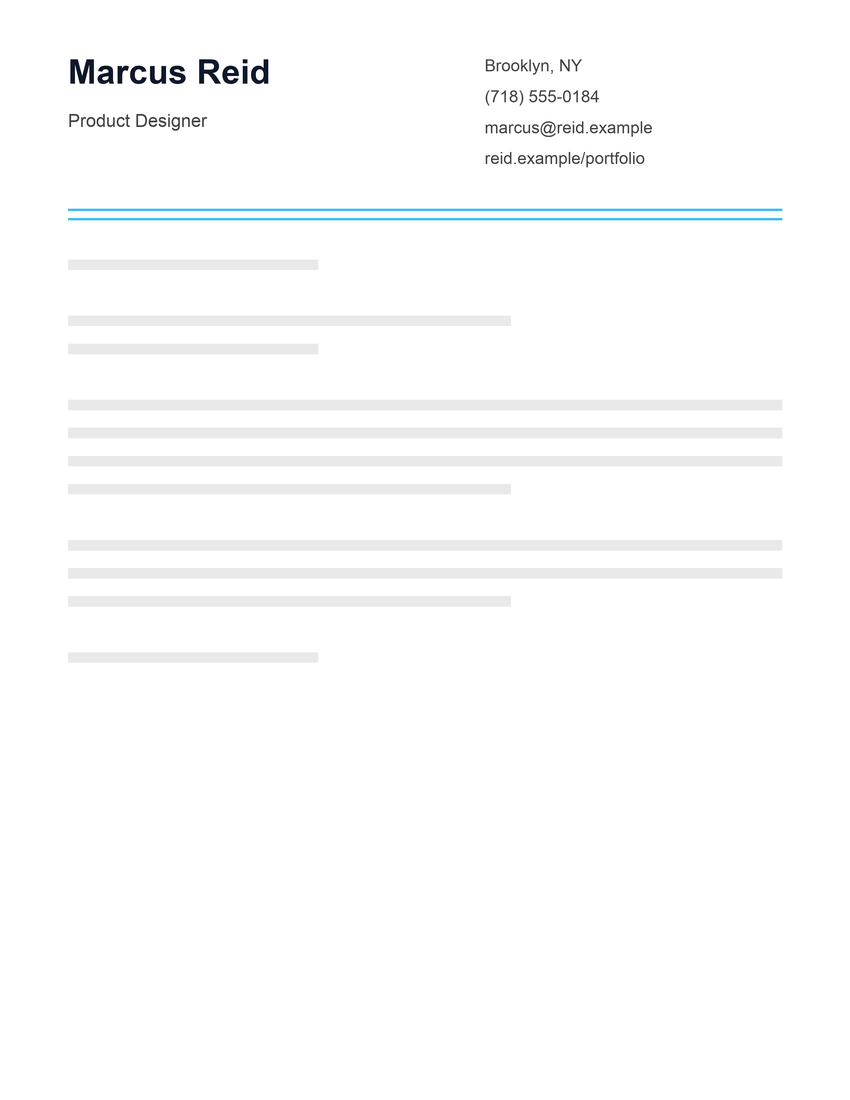
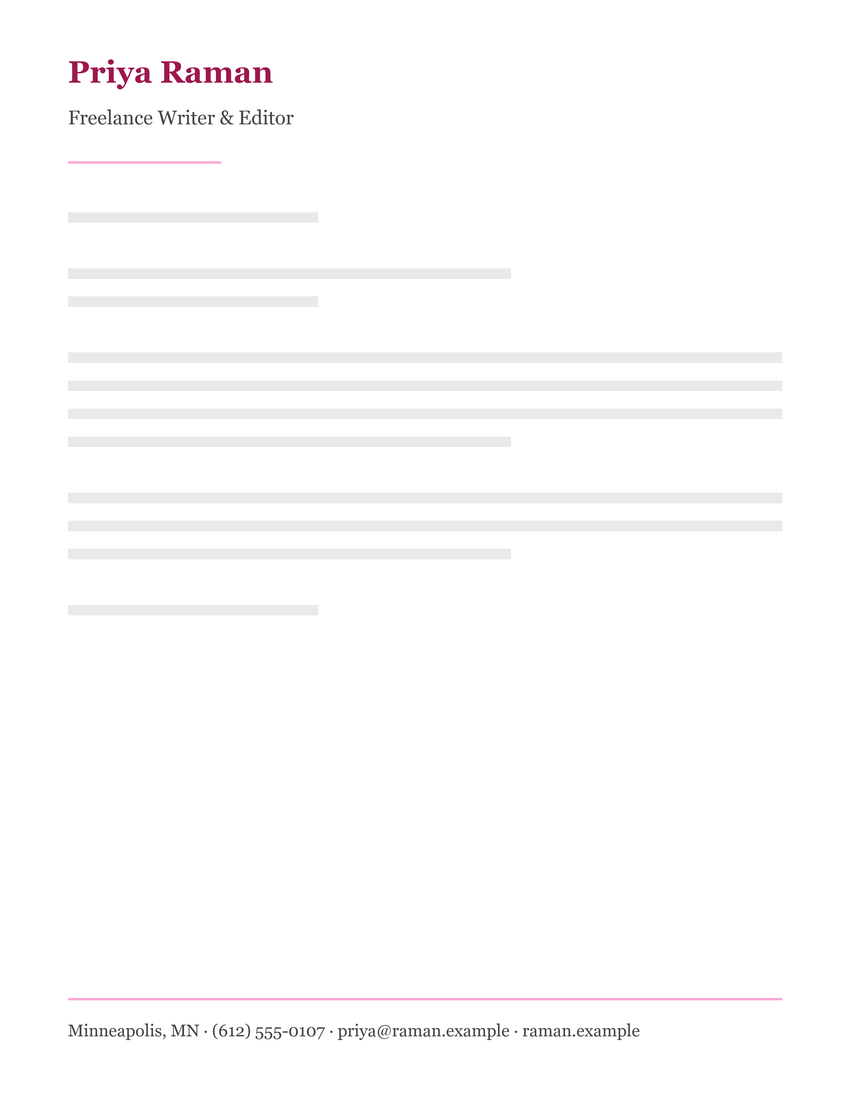
Cover Letter and Resume Letterhead Template
Header: name, tagline and contact details
Nonprofit letterhead templates
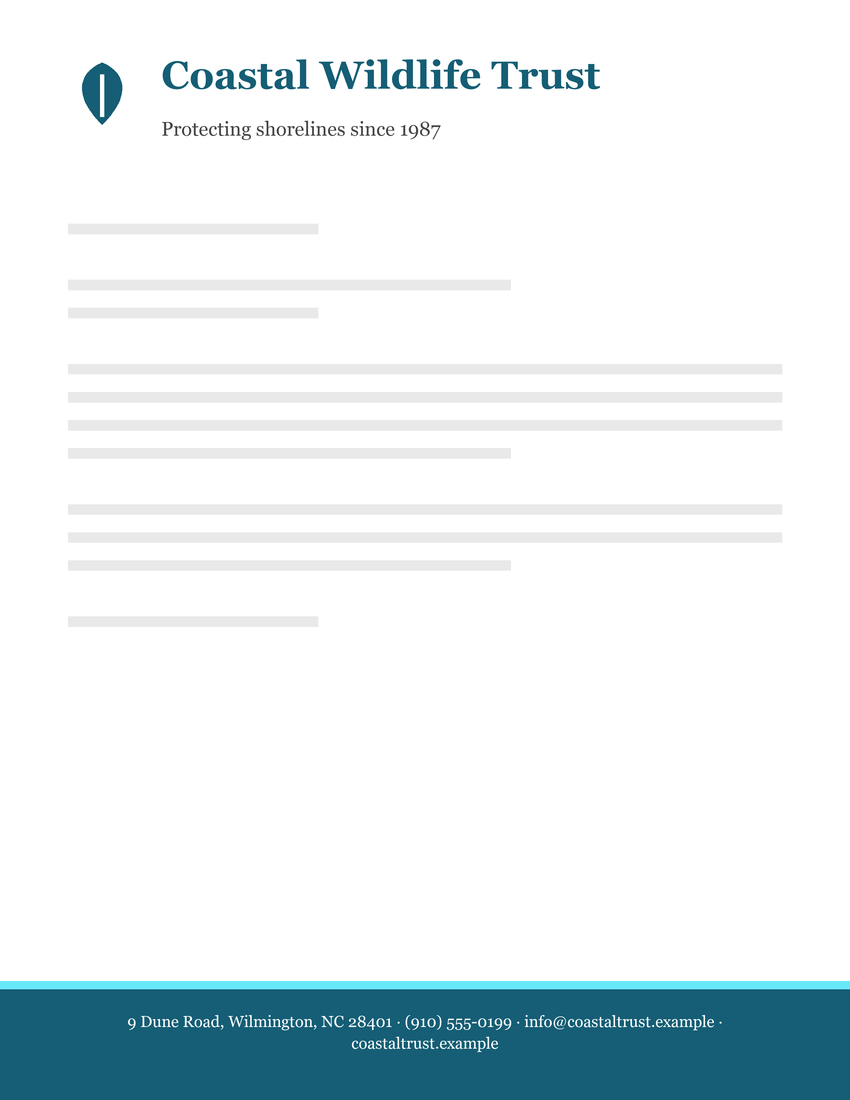
Conservation Nonprofit Letterhead Template
Header: name and tagline · Footer: contact details
Christmas letterhead templates
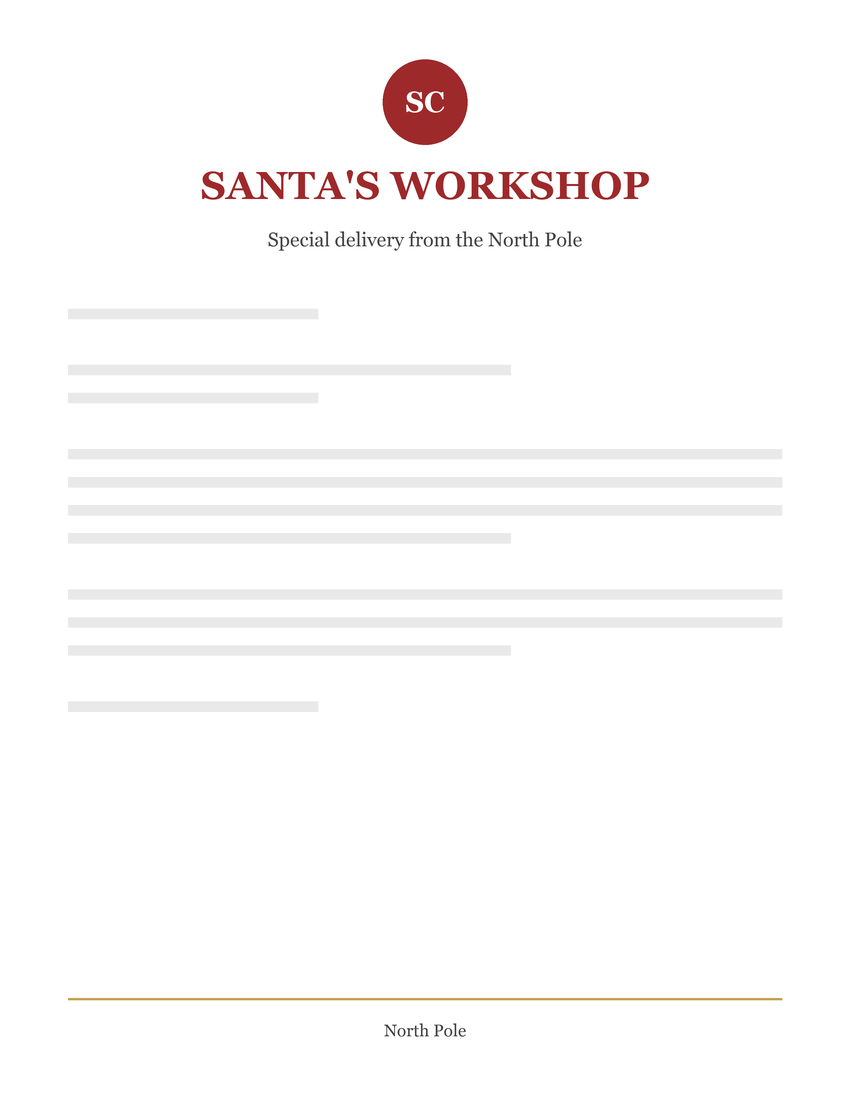
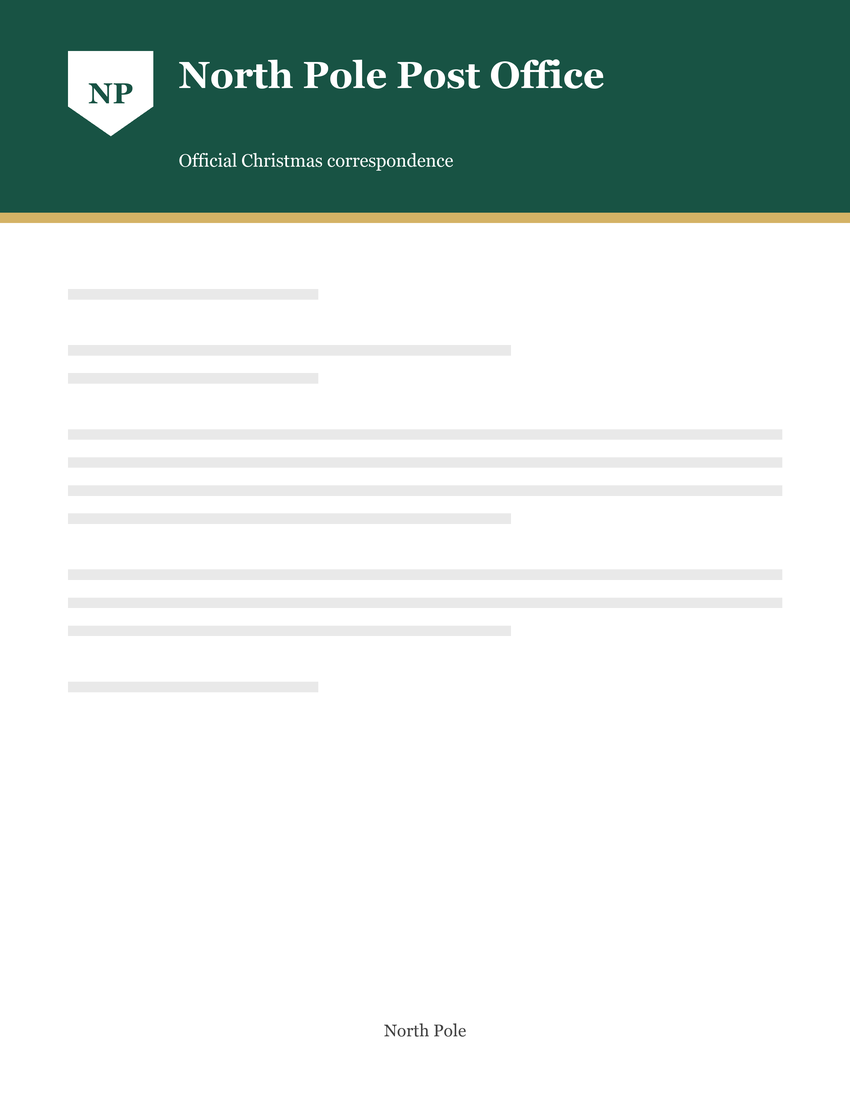
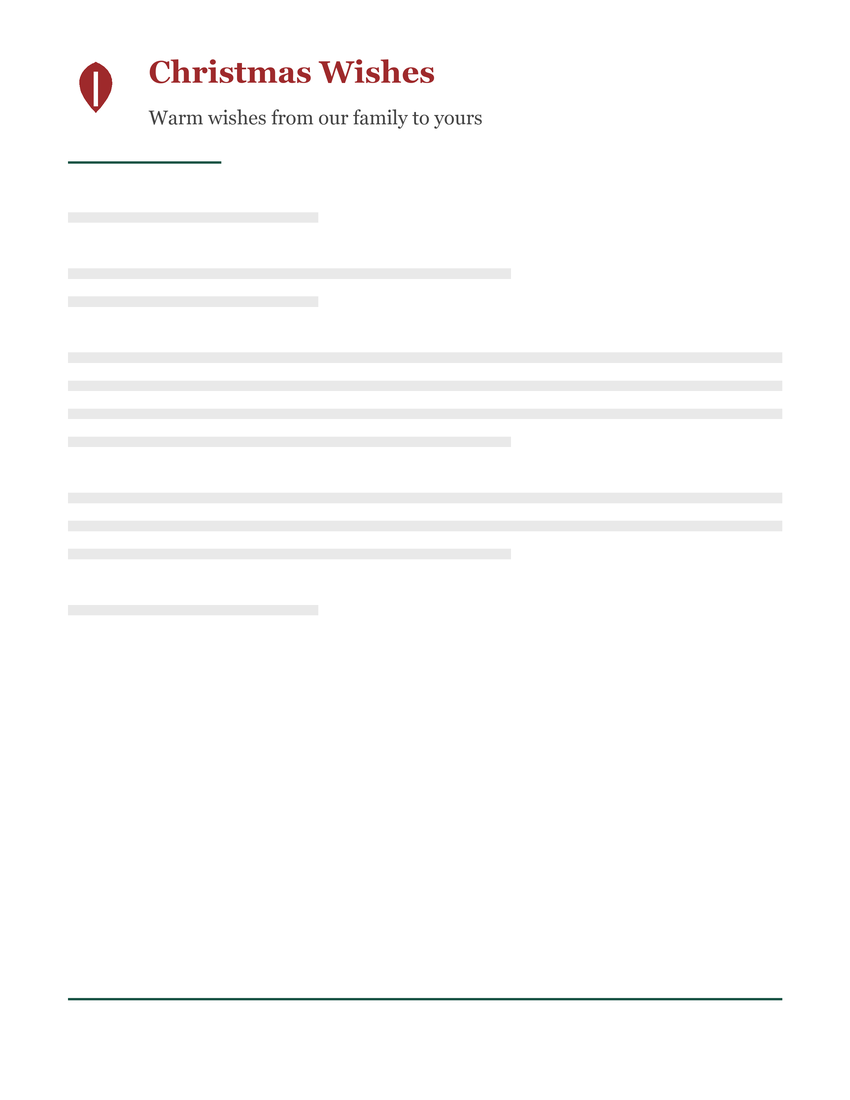
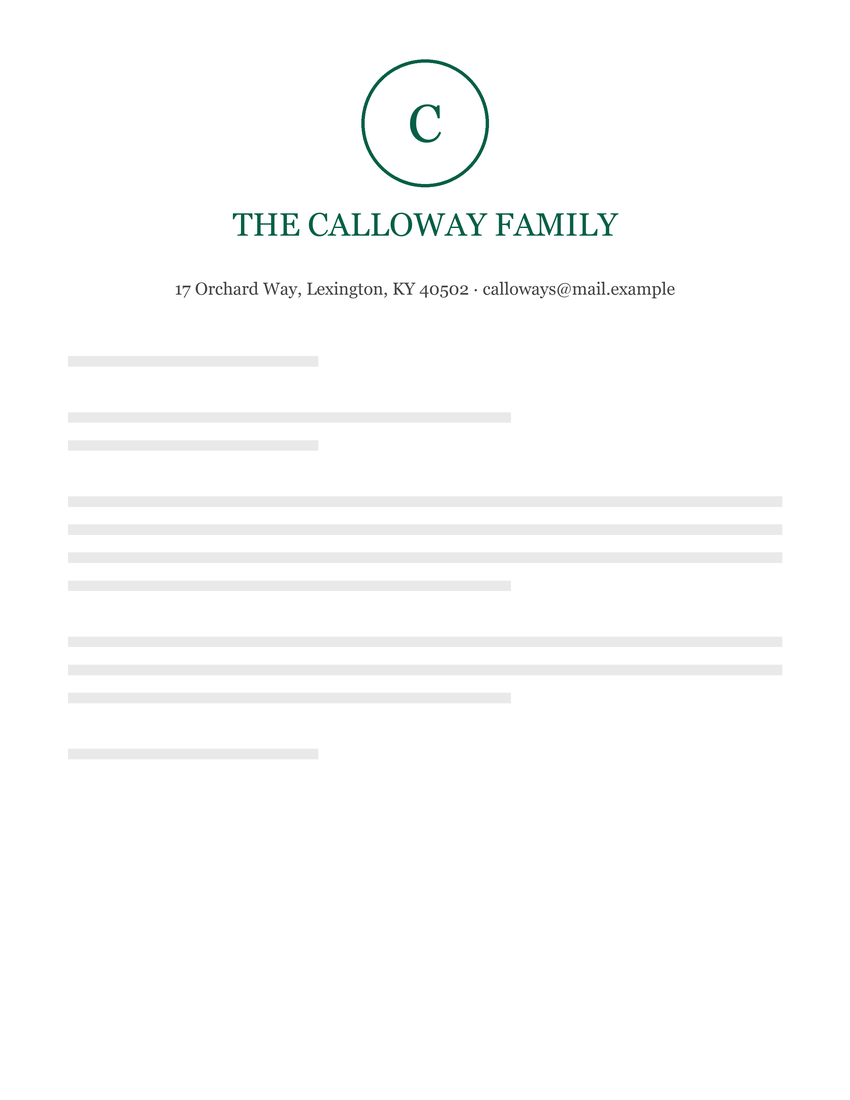
Christmas Family Letterhead Template
Header: name and tagline · Footer: contact details
How to use these templates
- Download the .docx file and open it in Word. Or upload it to Google Drive and open it with Google Docs.
- Double-click the header at the top of the page to edit the name, tagline and contact details. On some designs the contact details are in the footer, so double-click the bottom of the page.
- Add your logo with Insert › Pictures while the header is open.
- Match your brand by selecting the text and changing the font and color.
- Save it as a template (File › Save As › Word Template (.dotx)) so every new letter starts clean.
Full instructions are in how to make a letterhead and the Word letterhead tutorial.
Letterhead templates for Google Docs
You can import these Word files into Google Docs. Check the layout after importing; it can change between editors. Our Google Docs guide covers the process and troubleshooting:
- Download the .docx file and upload it to Google Drive (New › File upload).
- Right-click the file and choose Open with › Google Docs. Use Pages mode to display headers and footers.
- Choose File › Save as Google Docs to keep an editable Google copy, then edit the header with your own details.
- For each new letter, use File › Make a copy so the master stays clean.
Want your logo already in the template?
Use the free letterhead maker. Pick any of these designs, type your details, upload your logo and download a finished .docx with the logo embedded in the header. You can also save it as a PDF for printing.
Which template should I choose?
- Company or business letterhead template: the modern business template (split header) is the most versatile. See more company letterhead examples.
- Formal or legal correspondence: a centered design such as the professional law firm template. See law firm letterhead.
- Bold brand: a color band design such as the construction company or high school template.
- Personal letters and cover letters: a monogram or minimal design. See personal letterhead.
License
All templates are free for personal and commercial use. You can edit them, print them and use them for your business. Please don't resell the template files themselves. Every company name, address, phone number and email address in the templates is fictional and only a placeholder.